Plan trips together,
effortlessly.
Automatically build your itinerary and turn group chat chaos into one shared plan. Everyone suggests, votes, adds, and stays in sync.

Sample itineraries on Tripeaz
Venice and the Lagoon by Vaporetto
City Explorer·Oct 4 – Oct 8·5 days
Andalusia by Rail: Three Moorish Cities
Cultural Tour·Apr 21 – Apr 28·8 days
Dalmatian Coast by Ferry
Friends Getaway·Sep 4 – Sep 11·8 days

India's Golden Triangle by Rail and Road
Cultural Tour·Feb 13 – Feb 20·8 days

Hokkaido by Rail and Local Bus
Backpacking·Jul 10 – Jul 17·8 days

Philippines Island Hopping: Palawan and Bohol
Beach Vacation·Mar 5 – Mar 14·10 days

Taiwan Rail Loop
Cultural Tour·Nov 7 – Nov 15·9 days

Boston to Acadia Road Trip
Road Trip·Oct 2 – Oct 8·7 days

Oahu and the Big Island: Two-Island Hop
Beach Vacation·Apr 10 – Apr 18·9 days
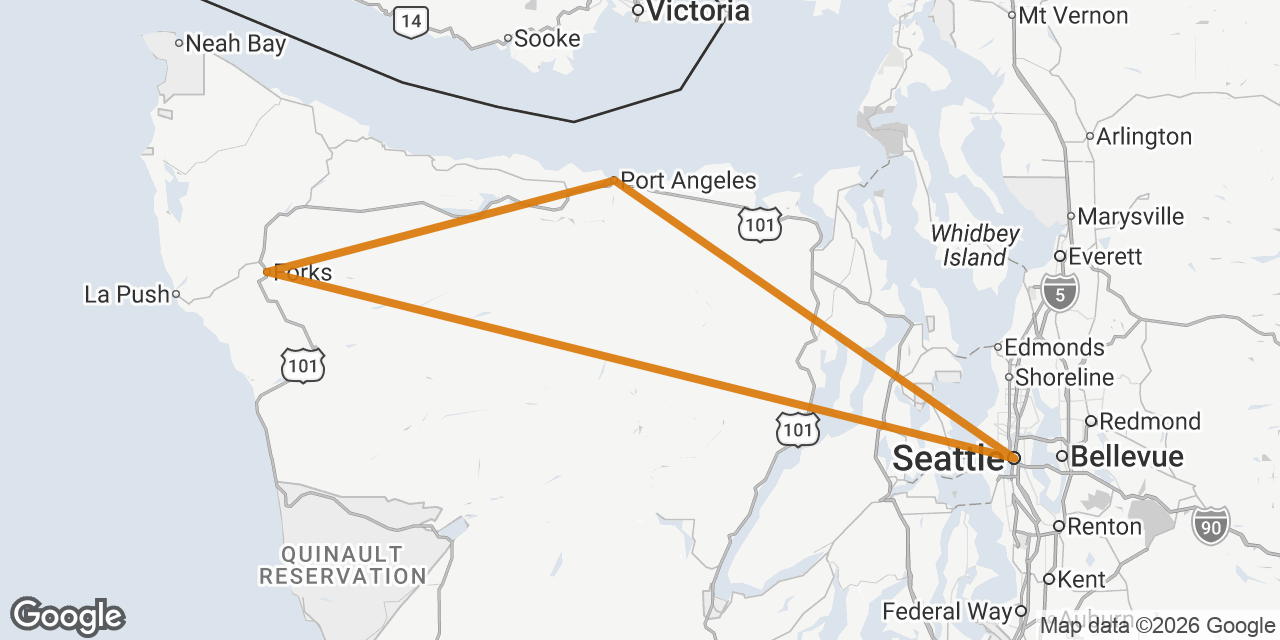
Seattle, Olympic and Mount Rainier Road Trip
Road Trip·Aug 7 – Aug 13·7 days
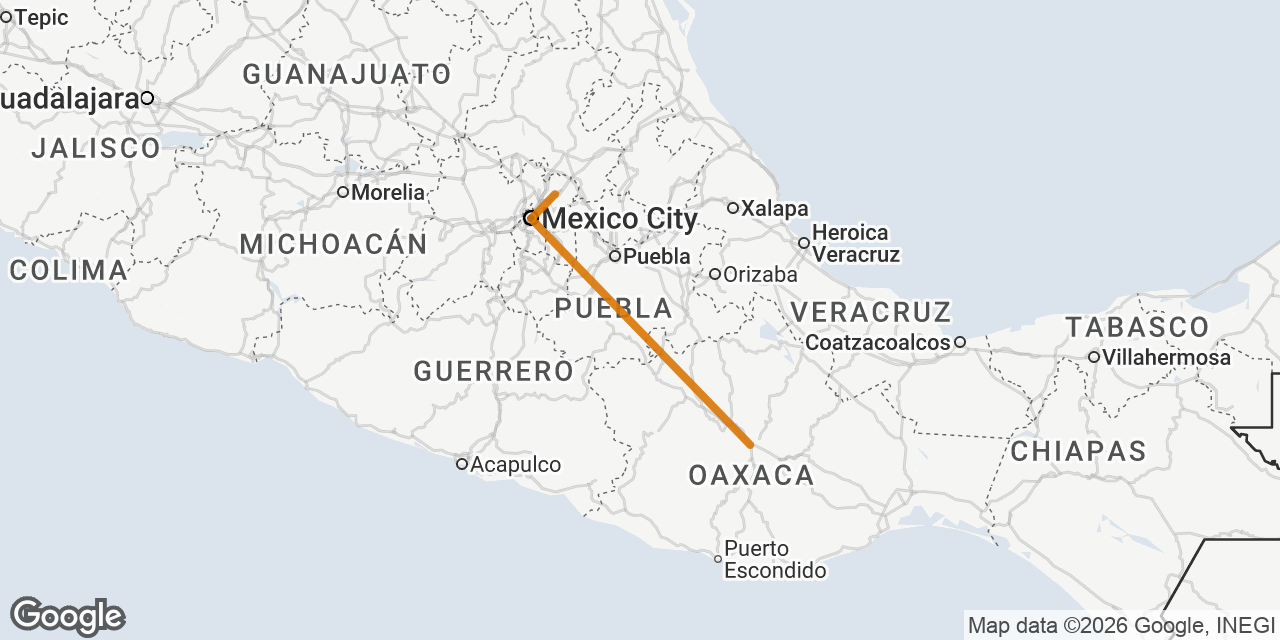
Mexico City and Oaxaca Food Trail
Food & Wine·Nov 8 – Nov 16·9 days

Norwegian Fjords by Train and Ferry
Solo Adventure·Jun 12 – Jun 19·8 days
From group chat to grand tour in three steps.
No spreadsheets. No 200-message threads.
Spin up the trip
Pick your dates and a trip type, from family to honeymoon to road trip. Then let Tripeaz generate a full itinerary of real, verified places, or start from a blank slate.
Shape it together
Drag activities into morning, afternoon, or evening slots. Pull saved spots straight from your Collections. Suggest and vote as a group, or ask Tripeaz to rework any day.
Share & go
Send a view-only link to anyone. Invite editors to fill in the gaps. Open the trip on your phone the day-of and route each day in Google Maps.
Your next trip is waiting.
Plan a weekend or plan a month. Bring two people or twenty.
Tripeaz is free for everyone you invite.
No credit card. Works on mobile. Sync anywhere.